
Subdomain setup
Each establishment is available at a branded SynqMenu URL:
yourbrand.synqmenu.com
How it works
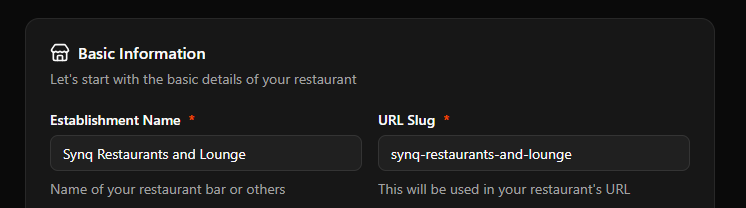
- SynqMenu suggests a subdomain during onboarding.
- You can edit it from Dashboard → Establishment → Edit → slug.
- Subdomain must be unique and follow naming rules.
Requirements
- Allowed: letters, numbers, hyphens
- Min length: 3 characters
- No spaces or special characters
Your establishment is where your menu live
The name of you establishment is usually the name of your restaurant, bar, club or cafe. when creating one, a url/link friendly name is autogenerated this is also your subdomain and should not be changed once created
Tip: Short subdomains are easier to include on print materials and QR codes.
Warning: Changing a subdomain affects existing printed materials and share links.